Every researcher eventually faces the figure problem: your plots look fine in matplotlib or MATLAB, but when embedded in your LaTeX document, the fonts do not match, the line weights are inconsistent, and the whole thing looks stitched together. TikZ and PGFPlots solve this by generating figures directly within LaTeX, using the same fonts and styles as your text. The tradeoff is a learning curve that can feel steep. This guide covers what you actually need to know.
When TikZ Makes Sense
- Diagrams, flowcharts, and illustrations that benefit from LaTeX math in labels
- Plots where font consistency with the document matters (most journal submissions)
- Figures you need to regenerate frequently as parameters change
- Simple to moderately complex 2D plots with clean data
- Documents where you want a single-source workflow with no external dependencies
When External Tools Are Better
- 3D visualizations beyond basic surfaces
- Plots with tens of thousands of data points (PGFPlots slows down significantly)
- Interactive exploration during analysis (TikZ is not an interactive plotting tool)
- Maps, geographic data, or complex vector graphics from other sources
- Situations where iteration speed matters more than font consistency
PGFPlots Fundamentals
PGFPlots is built on TikZ and provides a high-level interface for scientific plots. For most researchers, PGFPlots is what you want — raw TikZ is for diagrams and custom illustrations, not data visualization.
A Minimal Working Example
\usepackage{pgfplots}\n\pgfplotsset{compat=1.18}\n\begin{tikzpicture}\n\begin{axis}[xlabel={$x$}, ylabel={$f(x)$}]\n\addplot[blue, thick] {x^2};\n\end{axis}\n\end{tikzpicture}
This produces a publication-ready parabola with axis labels that use the same font as your document. The compat key is important — it enables features from the specified PGFPlots version and ensures reproducible output.
Plotting from Data Files
Most real plots come from data, not equations. PGFPlots reads CSV and whitespace-separated files directly: \addplot table[x=time, y=voltage] {data/experiment1.csv}; The table command handles column names, missing values, and comment lines. For large datasets, preprocess with Python and export only the points you need to plot.
Grouping and Subplots
Use the groupplots library for multi-panel figures: \usepgfplotslibrary{groupplots}. This gives you aligned axes, shared legends, and consistent spacing without manual positioning. A 2x2 grid of related plots with a shared legend is a single groupplot environment, not four separate figures manually aligned.
Common Patterns That Save Time
Consistent Style Across All Figures
Define your plot style once in the preamble with \pgfplotsset{...} and every axis inherits it. Line colors, tick formatting, grid styles, legend placement — set them once for your entire document. When a journal requests changes, you update one block of code.
Error Bars and Confidence Intervals
PGFPlots handles error bars natively: \addplot+[error bars/.cd, y dir=both, y explicit] table[y error=stderr] {data.csv}; For filled confidence regions, use \addplot[fill=blue!20, draw=none] fill between[of=upper and lower];
Externalization for Large Documents
Compiling TikZ figures is slow. For documents with many figures, use the external library to cache compiled figures as PDFs. After the first compile, figures are included from cache rather than regenerated. This cuts compile time from minutes to seconds.
How AI LaTeX Editors Help
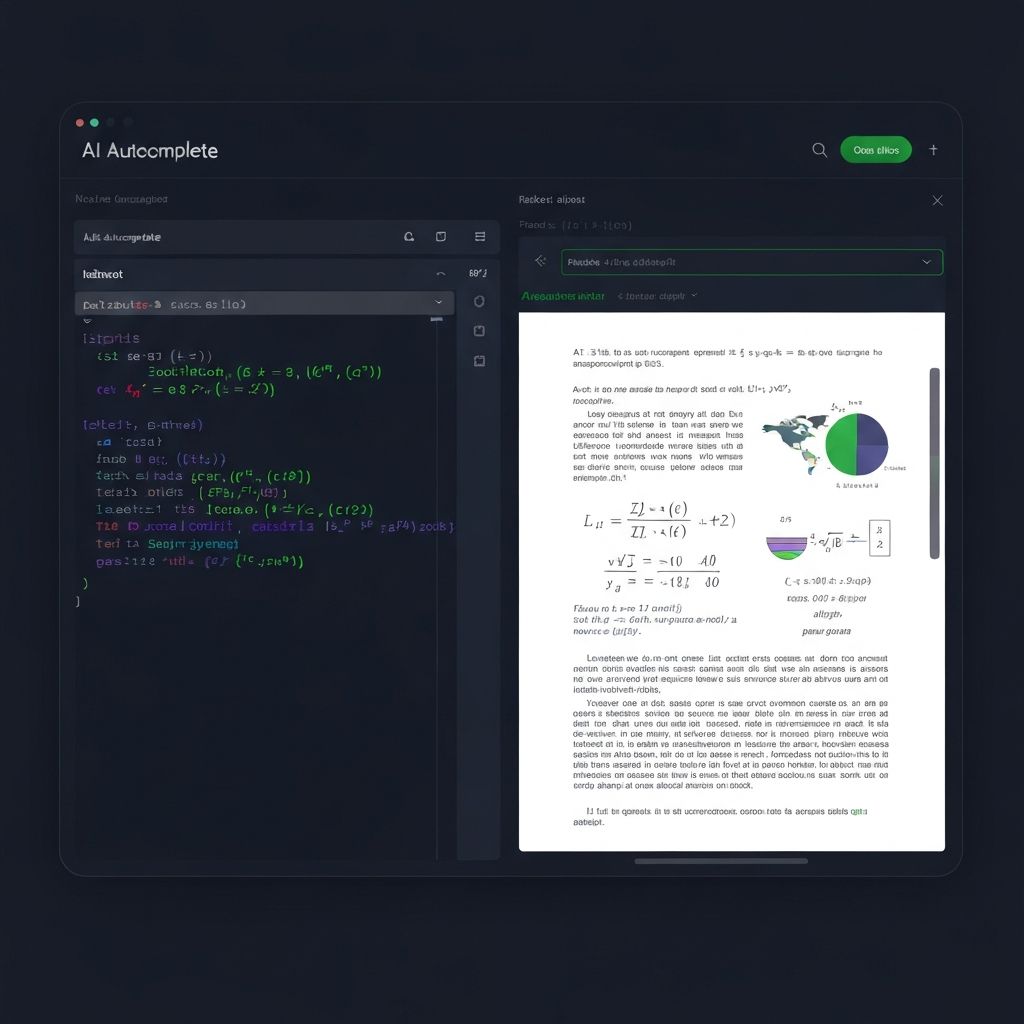
Bibby AI autocompletes TikZ and PGFPlots syntax, including the library-specific commands that are hard to remember. If you start typing \addplot+ the AI suggests common modifiers. If you are in an axis environment, it offers xlabel, ylabel, legend entries, and grid options.
The AI also catches common errors: missing compat settings, deprecated syntax from older PGFPlots versions, and mismatched brackets in complex path commands. For researchers who use TikZ occasionally, this autocomplete significantly reduces time spent in documentation.
When you are stuck on TikZ, describe what you want in a comment — Bibby AI often generates a working starting point from a natural language description like "% draw a neural network diagram with 3 input nodes, 4 hidden nodes, 2 output nodes".
The Verdict
TikZ and PGFPlots are worth learning for any researcher who publishes regularly. The font consistency and single-source workflow improve document quality and reduce last-minute submission scrambles. Start with PGFPlots for data visualization, learn TikZ basics for diagrams, and use externalization to keep compile times reasonable. Modern AI LaTeX editors make the learning curve much gentler than it was a few years ago.